
Hey Everyone!
It’s been quite a while since my last update for my super secret project I hinted about a couple months ago. This isn’t because a lack of trying but just time. As some of you may know I’m actually graduating college soon! While this is an exciting time for most people for me it’s an extremely stressful one. This leads to having to not work on the game for a bit longer then I personally would have liked. Boring personal stuff aside however, I’m happy to announce the title of my top secret project!
It’s called:
Lucky Brain Noodle!
Don’t tell anyone just yet though…
“Lucky Brain what now?”
Some of you could be asking. To which I say if you want information about it though your gonna have to wait a little bit longer as we are still finalizing some of the final things for the big beta release where we are gonna have a whole big party with it.
“Well why the big development blog announcement then?”
While we did want to talk a bit about the development and the HUGE milestone we just hit, which is Steam integrated Multiplayer functionality! Before that though I wanted to take a second and talk about some of the under the hood development of the game which could help other developers in the future as LBN did have it’s fair share of trials that it went through. In the future I’ll most likely talk more about LBN development in future blogs, as it really was a big part of what I did in my off time at college. For this blog specifically we are going to be talking about Multiplayer Functionality in UE5 and common pitfalls. It’s going to cover not only the mistakes I made but hopefully serve as a cautionary tale for things to look out for if you plan to make a game multiplayer.
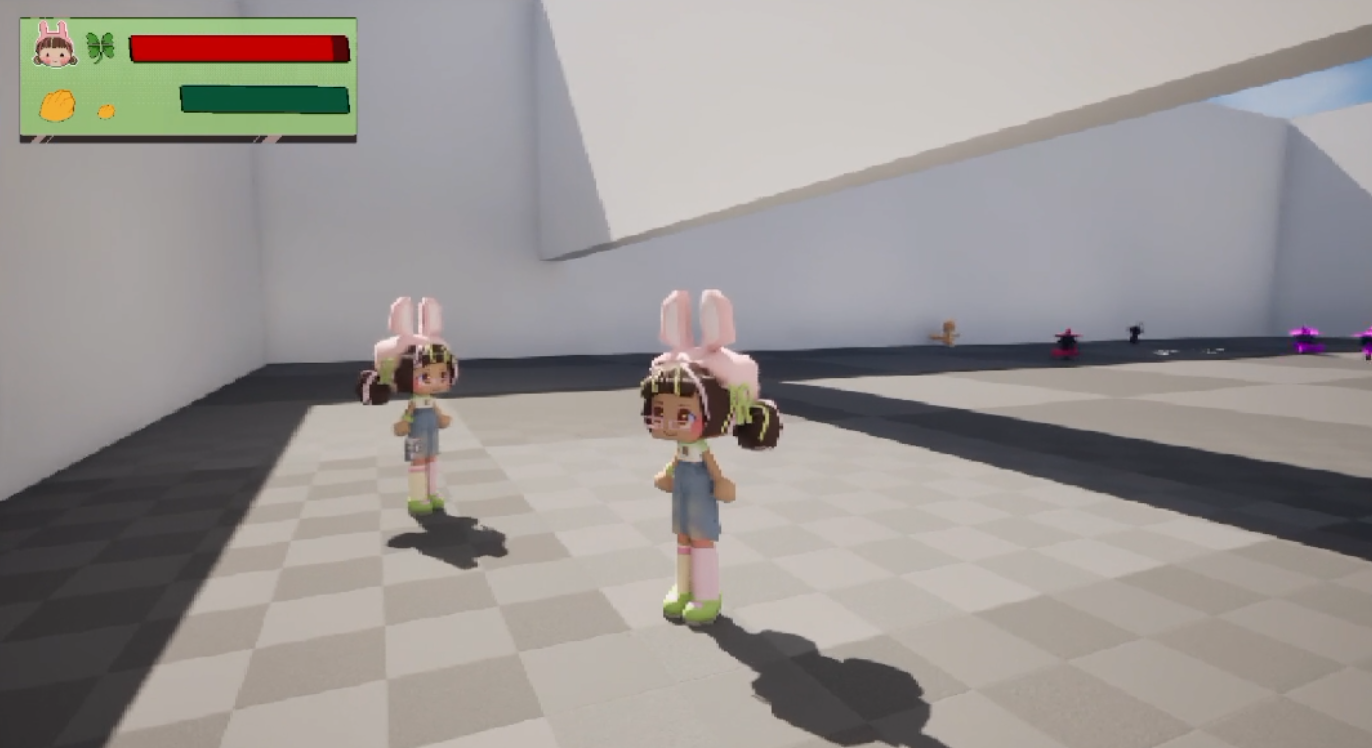
Section 1 decide what you want your game to be at the start.
If you want a game to be multiplayer have this in mind when you start the game. While I was lucky enough to have known since the beginning if the game was co-op, I seen multiple people where they decided it randomly half way through development of their game try to include multiplayer inside their plans. This should be something that you decide as soon as you start your project as it will heavily effect the way you make your games logic going forward especially in Unreal Engine especially with blueprints. Unreal Engine blueprints are extremely helpful during the development of the game. It could rapidly speed up the prototyping efforts which is wonderful when your in that stage of development or want to test something without having too much commitment. While it does fall short in some area’s like math and compile time Where I’d argue it falls short the hardest is the networking section. While you completely can make a multiplayer game using Unreal Engine’s blueprint network features you will learn extremely quickly it’s quite limiting especially when it comes to trying to add multiplayer to systems you developed in blueprint. A large part of this is due to the simplicity of blueprints. For an example if you wanted to make a small emote that plays for all players you will need at minimum: A ServerRPC, A MultiRPC, A function to call both RPCs, Branches checking Authority, Replicated Variables, and references to other actors. That’s a lot to keep track of for something so simple! I find it easier in more traditional code as it’s just adding a new tag to the function instead of adding almost 6 different nodes with multiple wires.
This issue gets a lot worse when you add in variables. Variables have 3 states.
- No Replication
- The variable is not synchronized through Unreal’s replication system. The server and clients can each have their own local value
- Replicated
- The server’s value is replicated to clients.
- Replication Notify
- The variable is replicated to clients and can trigger a notification event when its replicated value changes.
These settings are only on the details panel when you click the variable and for every variable you want to do one of these 3 options with you have to specify this. This issue gets extremely annoying if you were in a situation like me where a lot of the systems were already built so you have to spend a minimum of 30 minutes just going through clicking the variable, clicking details, and checking one of them in the box. Then the issue of debugging arises as well…
Section 2 Debugging on Unreal Engine with blueprints can be rough.
Unreal engine blueprints as I already described is phenomenal in multiple ways. Another pro I commonly use to talk about is the debugging tool. It walks you through the program in a step by step guide which really can make it a lot simpler for you. It also tells you by hovering over variables exactly what that variable is at the time. “But isn’t that just what every debugger does?” Some of you might be asking, to which I say yes! I just find Unreal engine does it the most intuitive in the way it does it. In most IDEs you just get a large list of variables with a small section for variables you can specifically ask it to watch. In bigger programs that list is going to become rather long and if your trying to debug you often don’t know what variable is the one that is actually messing up, leading you to have to turn on the debugger look at certain vars then turn it off mark another variable for investigation, then turn it BACK on. In unreal engine you can just hover over nodes to see EXACTLY all information about not only that variable but everything associated with the variable. For instance if I am loading in my weapon I can not only see my weapon but any references that might by included like the model, socket locations, actors, and even blueprints! This is why I adore the debugging tool in UE… In single player..! Most of what I just spoke about DOES work in unreal engine multiplayer but it’s very gimmicky. It can cause a lot of issues for example I couldn’t use the debug tool at all on my client’s code. It would just not parse through it line by line like it was suppose to instead of crashing the program. It also commonly will “Unfocused” so if 2 characters share a script like 2 players for example. Even if you focus one of them (Like for my instance the client player) If the server player executes the command it cause the debugger to unfocussed the client and snaps to the server player instead even when you specifically asked the debugger NOT to do that. Then when it comes to checking replications, network load, and packets. These are not automatically included in the debugger. Instead you will have too open the console then type something like stat net each time to check one of those which can get a bit annoying when testing to see if you fixed the issue. For C++ portions of the project, I found Visual Studio’s debugger to be useful because it gave me more control over stepping through and inspecting my code. However, Unreal’s networking tools are still necessary when investigating replication and network performance.
Section 3 Testing Inputs on BOTH.
The way unreal engine works fundamentally is too start up it’s own instance of the game on that computer. Even when it’s playing multiplayer there will be 1 game instance they copy from one player (the server) and another one replicating it (the client). Both of these can have different bugs. For instance in my game a common bug that happened is 1 character would have the weapon in their hand but not actually inside their inventory meaning they didn’t have access to the weapons move set. In these situations I would love for a way to test inputs on both clients at the same time as something like unity has a plugin for this exact issue. Unreal engine does not have it built in or any plugins to support this feature when using their PIE window system. This was a huge issue for me as I had to constantly check inputs but didn’t want to keep having to awkwardly tab into bother games constantly, But I did figure out a small solution! If your game supports a controller and keyboard set up you can set 1 of these to each window allowing you test both games simultaneously. This will allow you to not only play 1 game but also another as your technically “not tabbed in” but still doing inputs.
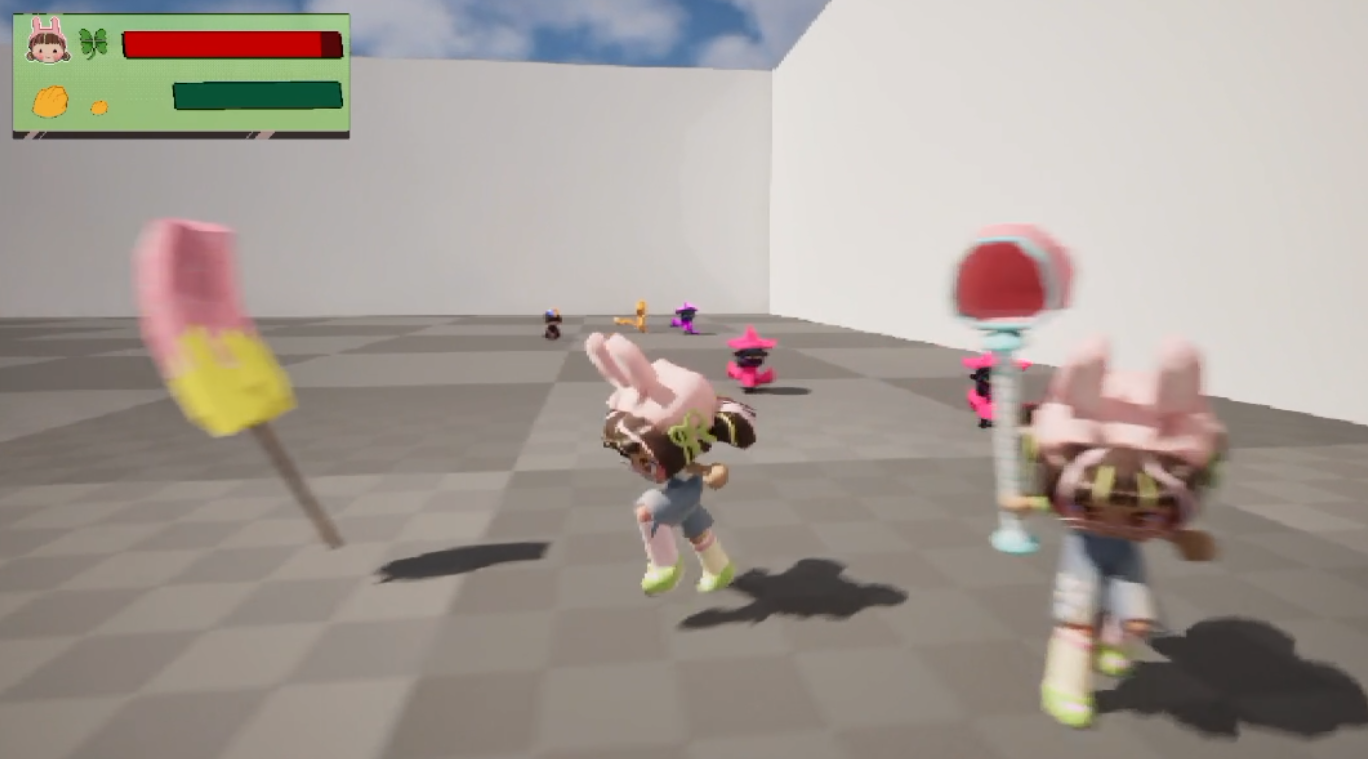
The biggest lesson I took away from implementing multiplayer was that multiplayer cannot be treated as a feature that gets added at the end of development. It affects how your systems are designed, how your variables are handled, and even how you test and debug your game. Multiplayer is something you must consider from the start and I’m glad I knew since the start to design my systems to be modular enough to accommodate this feature.